[Site Name]
[domain_name]
(999) 999-9999
[address1]
[address2]
[City, State Zip]
Shade Channels
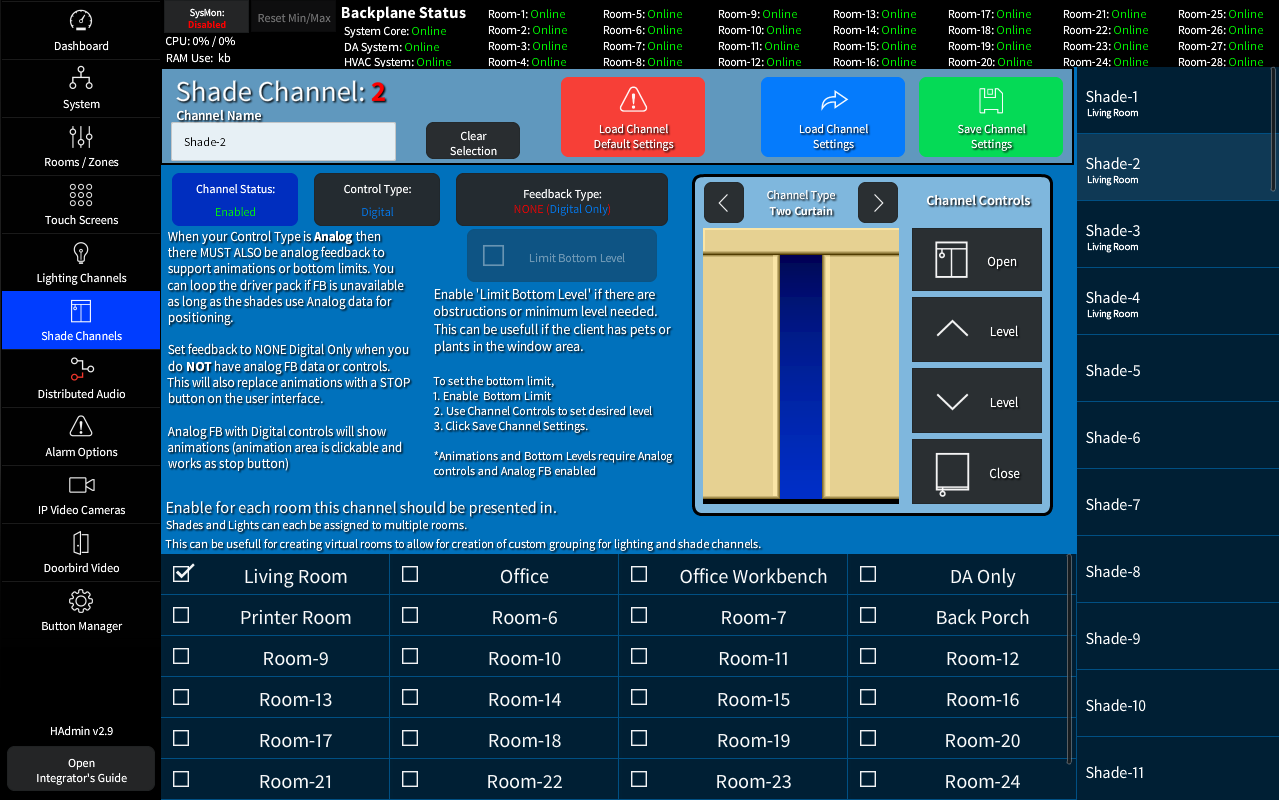
The Shade Settings page allows you to configure and assign up to 64 individual Shade Channels. Shade channels can be controlled per room or by system wide schedualing functions. Shades, like Lights, can be assigned to multiple rooms.
Note: Some featatures REQUIRE Analog control with feedback to operate.
Base Settings
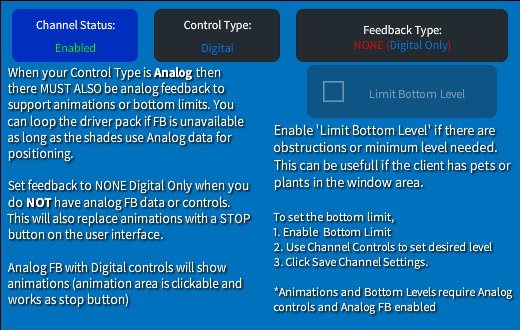
The Base settings allow you to set the Default options for the channel.
- When enabled the shade channel will show in all shade lists it is assigned to.
- The Control Type defines the functionality of either Digital or Analog signals. There is also a Hybrid mode allowing Digital Control with Analog Feedback
- With Feedback type set to Analog, the animations will be shown on the User Touch Screens and the Bottom Limit function is available.
Utilities
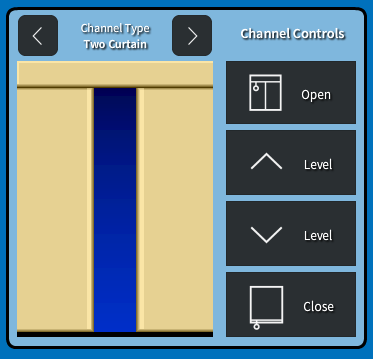
- Changing the Channel Type will change the display animation to match the shade design.
- Open / Close give testing and debugging access, while the Level Up and Down can be used in testing and while setting the minimum (Bottom) level.
Available Rooms
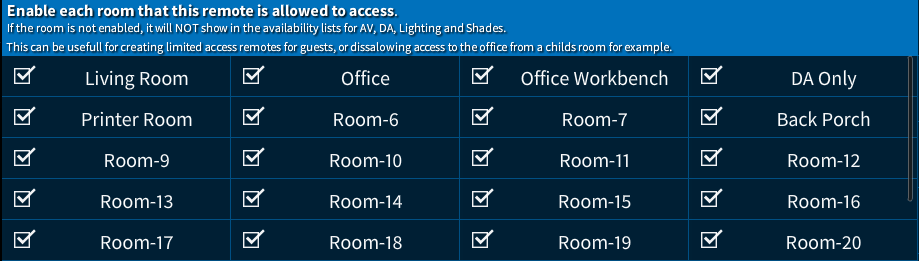
Select the Rooms / Zones that will be available for control from this remote.
Only Checked rooms will be shown in this remotes Rooms / Zone lists.
Note: This section is available on Touch Screens, Lighting, and Shades that allow for access / assignment of the remote / channels to a room